World Generator
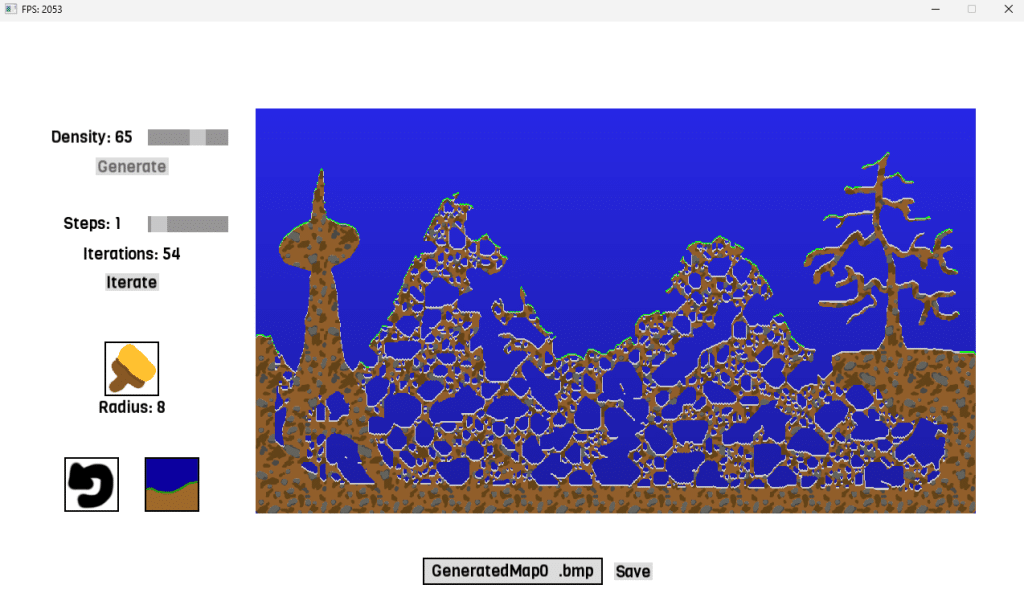
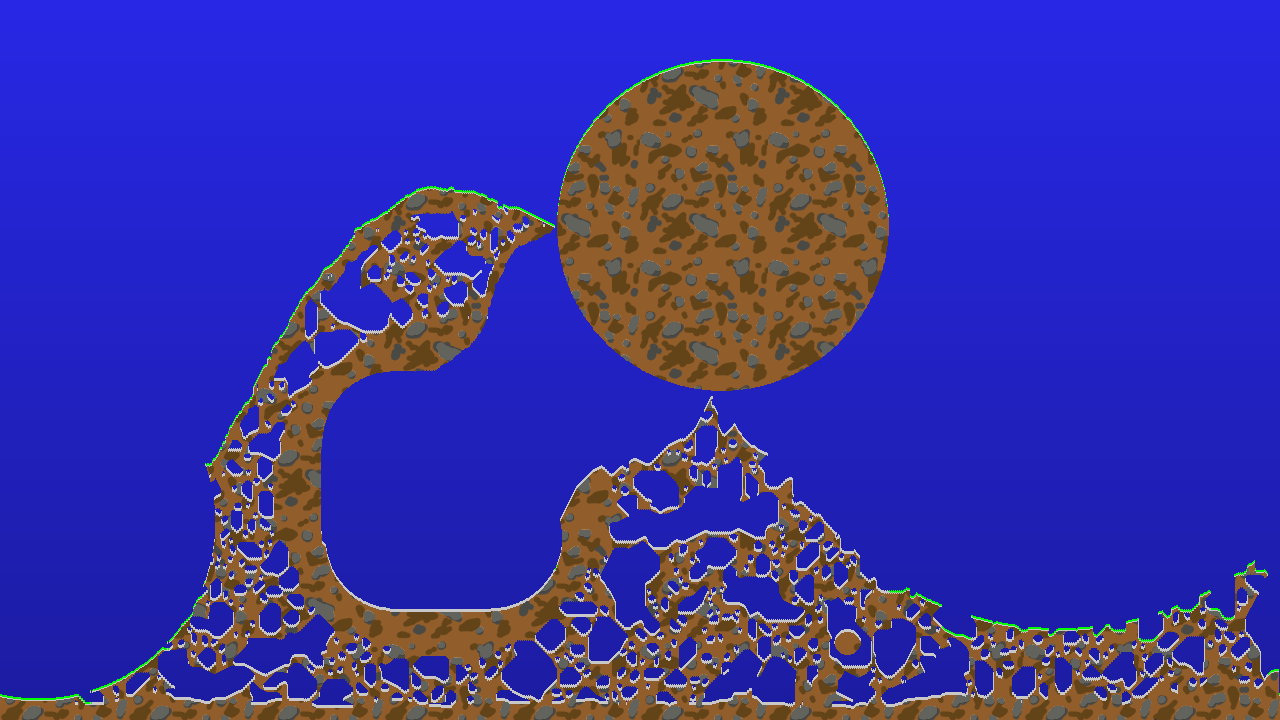
The 2D World Generator creates bitmaps that can be used for games similar to the classic Worms series. It generates random noise patterns, which are then processed using a Cellular Automata algorithm to form tunnel-like structures.
The generated bitmap can be modified in real time using the brush tool, and any unwanted changes can be reverted.
Overview:
4th semester (04.2024 – 07.2024)
„Procedural World Construction“ elective submission
Language: C++
Engine: own 2D engine (SFML-based)
Important Learnings:
C++
Cellular Automata algorithm
De-/serialization of bitmaps
Multithreading basics
Brush-tool to manipulate map
Undo-function
How the WorldGenerator works:
When the program is opened for the first time (or via the “Generate” button), the process is started.
A decision is made as to what is sky and what is ground. This is done by a defined “base height”, which is influenced by three random sine waves.
White noise is generated for the ground, depending on the set density
The user can use “Iterate” to run a cellular automata algorithm over the image, which gradually creates cave-like paths in the floor. The user can specify how many iterations are run per click.
If needed, soil can be added or removed using the brush tool. This allows gameplay-relevant adjustments to be made. The radius of the brush can be changed using the scroll wheel.
Every intervention in the image can be undone using the undo button. (limited to the last 30 interventions)
The user can color the image with the landscape button. The system checks which pixels of the ground are the highest and colors them green. For the caves, the system also checks which pixels represent the ground. These are then colored light grey. The rest of the floor is provided with a seamless texture (BMP). The blue background has a slight vertical fade.
The texture can be saved as a BMP file under its own name (via input field)
(Storage location: ../Resources/bmp/)
Development walkthrough (steps I took to get to the final result)
Summary:
This project significantly advanced my C++ skills and engine development. I made the most of the available time and was able to work on it until completion. In addition to Cellular Automata, I gained valuable experience in various other areas, such as (de-)serialization, basic multithreading, and UI element implementation.